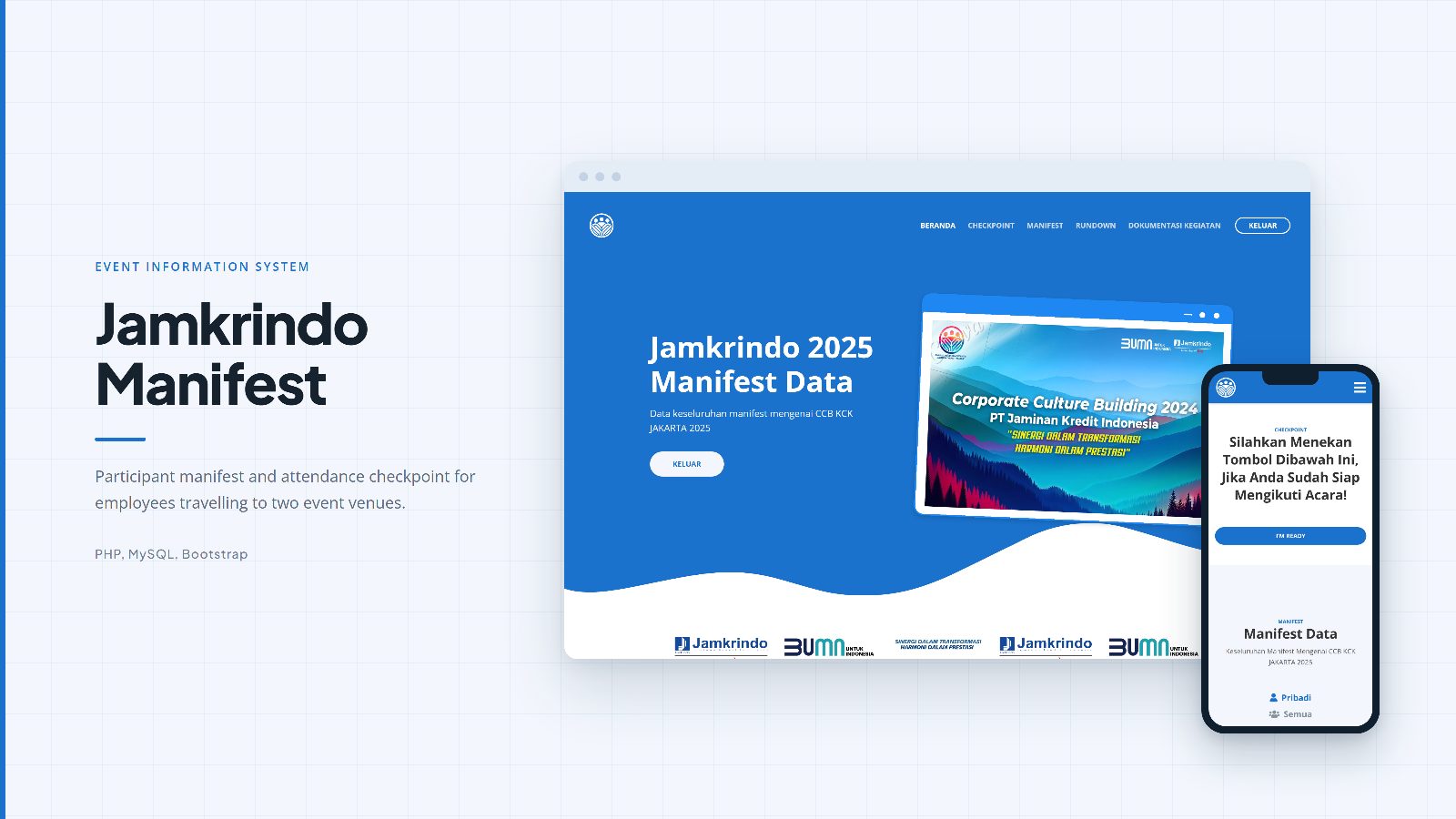
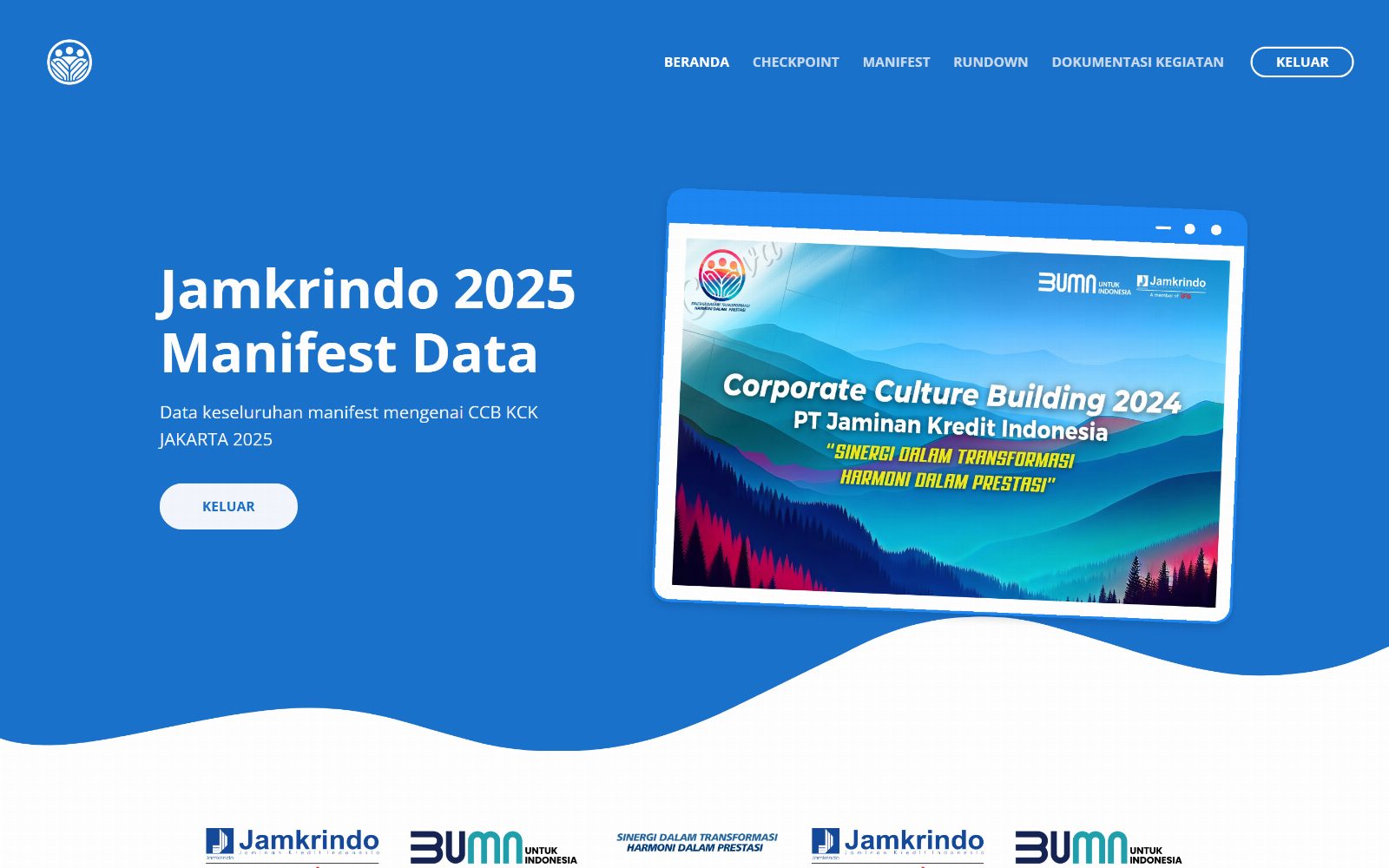
A web application for the 145 participants of the Jamkrindo 2025 event. Participants type their name to see their vehicle, villa, and bed assignment, then press one button to check in.
Background
Jamkrindo held its CCB 2025 event for 145 employees travelling to two different destinations on the same day. The Jakarta Special Branch group went to De Boekit Villas in Sentul in three ELF minibuses. The Regional Office group, together with the Tangerang, Serang, Bekasi, Bogor, and Cibinong branches, went to Hotel Melia Purosani in Yogyakarta in three coaches. Every participant already had their own assignment: which vehicle to board, which villa or room to stay in, right down to the type of bed.
That much data is hard to share as a single static file. Each person really only needs their own row, while the organisers need the opposite view: every row at once, plus a way to see who has gathered and who has not. Those two needs are what I built for.
Solution
I built a plain PHP application used on site during the event. A participant opens the page, types their name, and the system recognises their venue from the database and shows the matching page. Someone going to Sentul sees the Sentul rundown and the Sentul participant list. Someone going to Yogyakarta sees their own version, including the meeting point at KM 58 Cibitung and the KM 207 rest area, which are only relevant to that group.
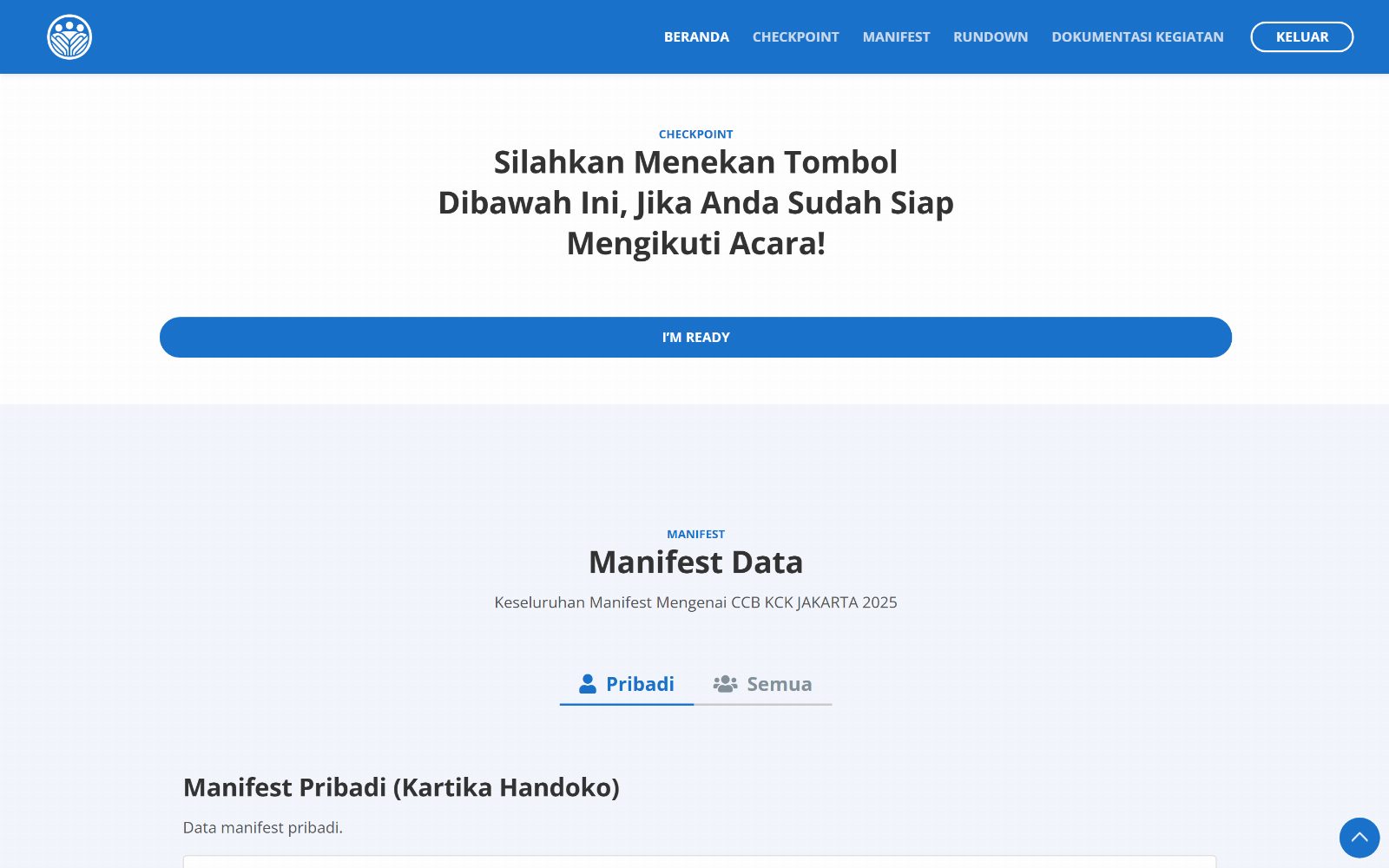
On the same page there is a checkpoint button. Participants press it once they are ready to depart, and their name goes straight into the day's attendance table. Organisers log in as admin and see the full list for both venues: who has pressed the button and at what time, and who is still missing.
Key features
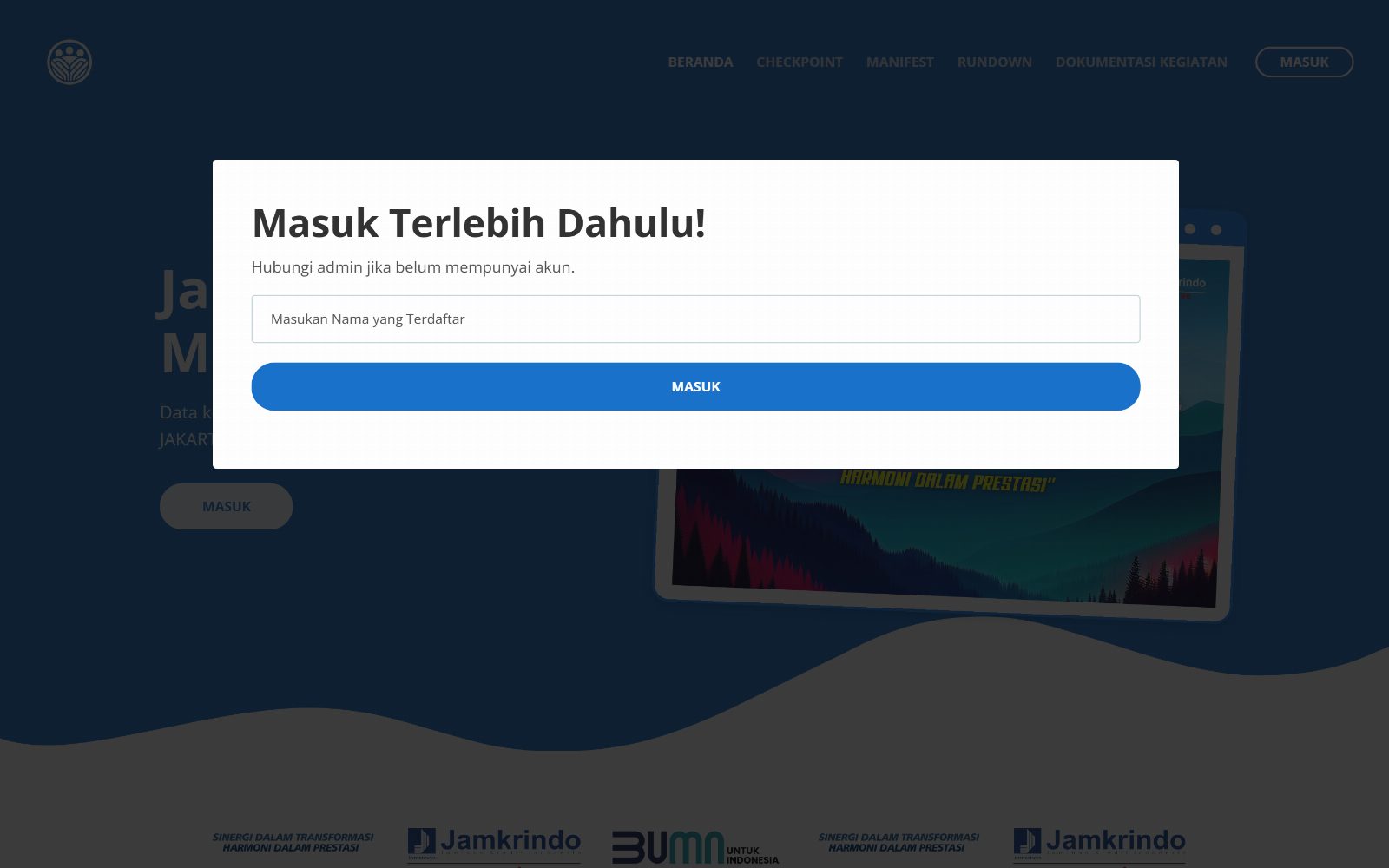
- Login with a registered name alone, no password
- Automatic page routing based on the participant's venue stored in the session
- An attendance checkpoint that can only be pressed once per person per day
- An admin dashboard showing Done or Not yet along with the time, split between Sentul and Yogyakarta
- A personal manifest with the vehicle, villa name, room capacity, and bed type
- A full participant manifest table with 12 data columns
- Downloads of the personal manifest, the full manifest, and the event rundown as JPEG images
- An event rundown whose contents differ between the Sentul and Yogyakarta groups
- Participant CRUD on the admin side, complete with table search
Technical challenges
The boldest decision in this project was dropping passwords. The users are employees from various divisions, many of whom would not bother remembering credentials for an application with a three-day lifespan. So I built a login that matches on the name alone, normalised in the query with REPLACE(LOWER(user_nama_lengkap), ' ', ''). That way "D. Ihwan" and "d.ihwan" still count as the same person. I know this lowers security. The reasoning: the application holds only schedules and room assignments, not data that is dangerous if seen by a fellow participant, and it only lives for the duration of the event.
The part I revised most often was the attendance dashboard query. My first version put the date filter in the WHERE clause, and the result was that participants who had not checked in disappeared from the list. Those are exactly the people the organisers need to see. The fix moved DATE(a.absen_masuk) = CURDATE() into the ON condition of the LEFT JOIN, so every participant stays on the list and those who have not checked in appear with empty columns. I ordered it so those who have checked in rise to the top.
Another problem came from time zones. Checkpoint times were briefly recorded seven hours behind because the server ran on UTC, and that only surfaced during a trial run. I pinned it with date_default_timezone_set('Asia/Jakarta') before the insert rather than relying on the server configuration.
For field conditions, I added manifest downloads as images using html2canvas. The signal around the villas is unreliable, so participants can save their room assignment and the rundown to their phone gallery and still open them when the connection drops.
There are parts I admit are not tidy. The participant table uses the full name as its primary key, so correcting a typo in a name means changing the primary key and breaking the relation to the attendance table. The admin is also recognised by a name match rather than a role column in the database.
My role
I built this project alone, from the start through to using it in the field. From designing the two-table schema, writing every mysqli query with prepared statements, building the participant view and the admin dashboard, to entering the data for all 145 participants along with their vehicle and room assignments.
Results and what comes next
The application was used at the event from 21 to 23 February 2025. There are 47 checkpoints recorded in the database, 38 of them on 22 February alone, the busiest day. The first checkpoint that day was at 06:25 and the last at 14:50.
A few things I would work on if there is another event. The checkpoint is still an ordinary button, so technically anyone who knows another person's name could press it. A QR code per participant would close that gap. The attendance summary can also only be read on screen, while organisers usually need an Excel file for reporting. Beyond that, I want to replace the name primary key with a numeric ID and move the admin decision into a role column, so correcting data is no longer risky. One more: the checkpoint is currently limited to once a day, while a three-day event actually has several gathering points each day.